End-to-End Medical Chatbot
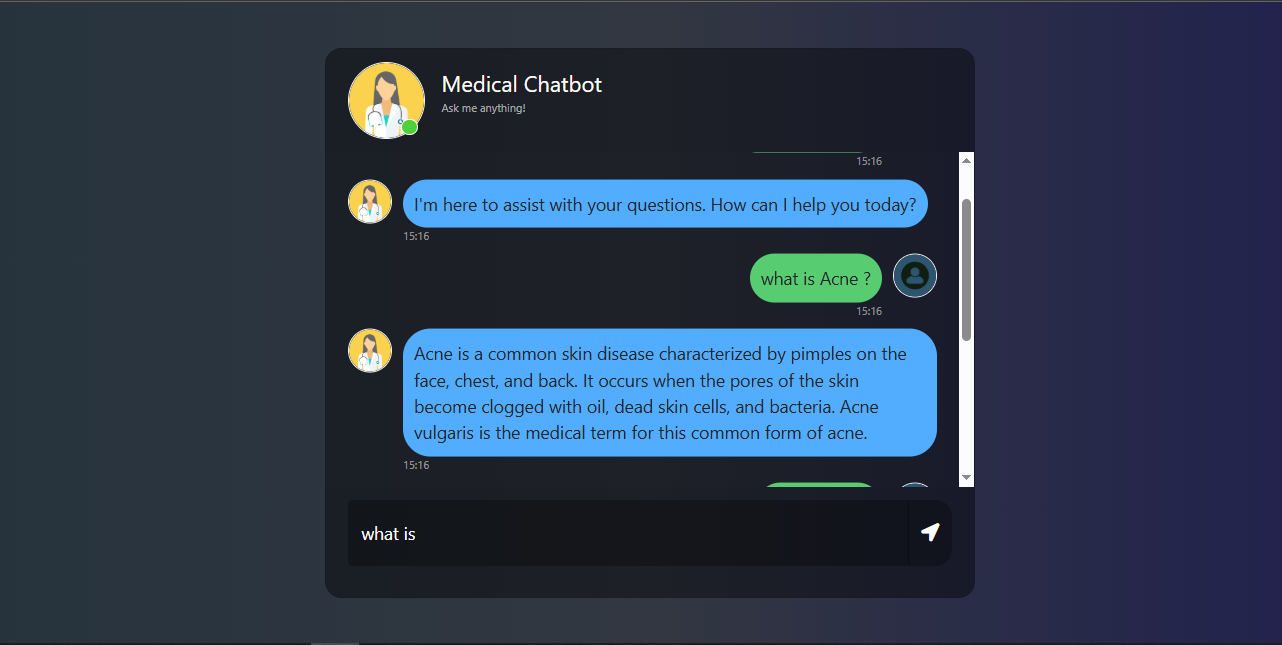
This project is an end-to-end medical chatbot that leverages advanced AI technologies to provide medical assistance and information. The chatbot uses LangChain, Flask, GPT, and Pinecone for natural language understanding, knowledge retrieval, and conversational capabilities. It is designed to assist users in obtaining accurate medical information and can be deployed on AWS using CI/CD pipelines with GitHub Actions.
Project Objective
The objective of this project is to create a robust and scalable medical chatbot capable of answering medical queries, retrieving relevant information from a knowledge base, and providing actionable insights. The system integrates with Pinecone for storing embeddings and utilizes OpenAI's GPT for generating responses.
How to Run?
Follow these steps to run the project:
- Clone the repository:
- Create a conda environment:
- Install the requirements:
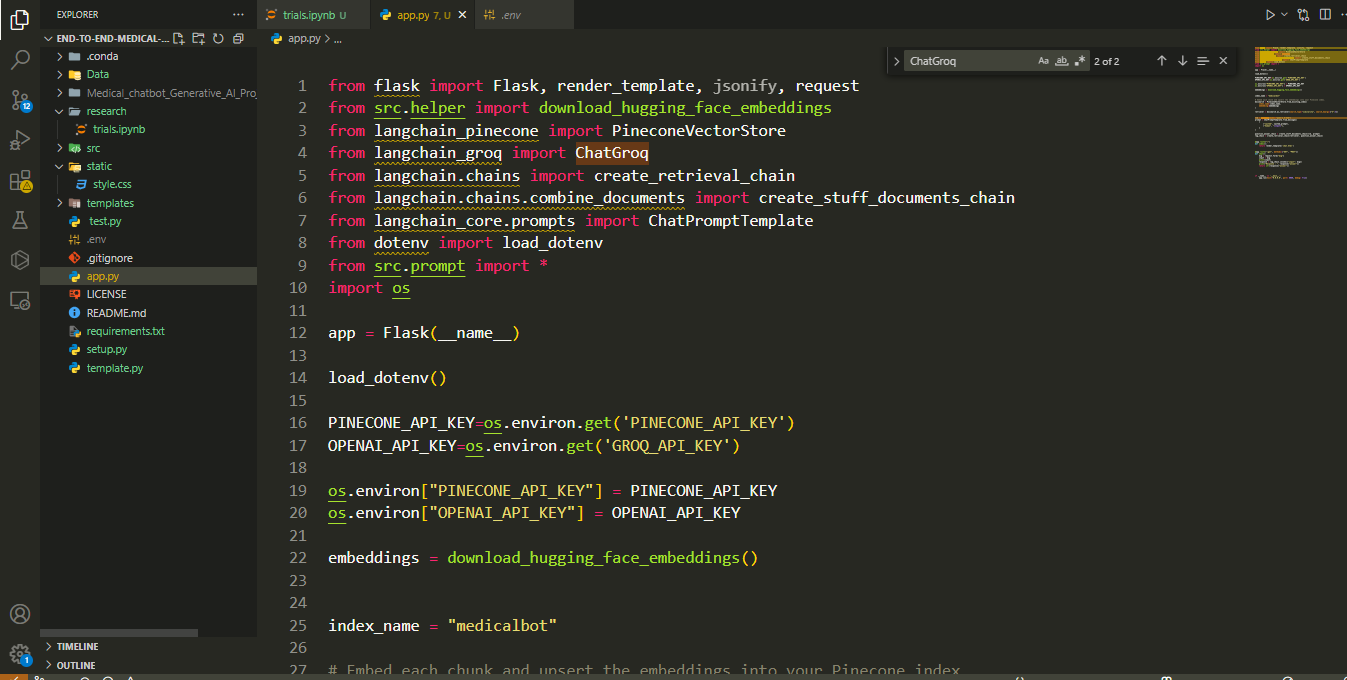
- Create a .env file: Add your Pinecone & OpenAI credentials as follows:
- Run the following command to store embeddings to Pinecone:
- Finally, run the following command:
- Open up localhost:
Project repo: https://github.com/
conda create -n medichat python=3.10 -y
conda activate medichat
pip install -r requirements.txt
PINECONE_API_KEY = "xxxxxxxxxxxxxxxxxxxxxxxxxxxxx"
OPENAI_API_KEY = "xxxxxxxxxxxxxxxxxxxxxxxxxxxxx"
python store_index.py
python app.py
http://localhost:5000
Tech Stack Used:
- Python
- LangChain
- Flask
- GPT
- Pinecone
- AWS CICD Deployment with GitHub Actions
AWS Deployment Steps
To deploy the chatbot on AWS, follow these steps:
- Login to AWS Console: Create an IAM user for deployment with specific access (EC2 and ECR).
- Create an ECR Repository: Save the URI:
970547337635.dkr.ecr.ap-south-1.amazonaws.com/medicalchatbot. - Create an EC2 Machine (Ubuntu): Install Docker and configure it as a self-hosted runner.
- Build and Push Docker Image: Build the Docker image of the source code and push it to ECR.
- Launch EC2 Instance: Pull the Docker image from ECR and launch it on the EC2 instance.
- Setup GitHub Secrets: Add the following secrets to GitHub for CI/CD integration:
- AWS_ACCESS_KEY_ID
- AWS_SECRET_ACCESS_KEY
- AWS_DEFAULT_REGION
- ECR_REPO
- PINECONE_API_KEY
- OPENAI_API_KEY
Images from the Project